
To find a compatible replacement remote for your P408A walking pad, you should first contact the original manufacturer or local distributor, search major online marketplaces using the exact model number “P408A,” or look for verified third-party fitness equipment remotes that explicitly list compatibility with this model. Because walking pads are designed for compact home workouts, they rarely feature physical speed buttons on the main deck, making a functional remote control absolutely essential for safe operation.
In the Philippines, indoor fitness equipment has become a staple for maintaining an active lifestyle, especially when tropical downpours or intense midday heat make outdoor jogging impractical. When your walking pad’s remote stops working, it can completely disrupt your fitness routine. Fortunately, finding a replacement is a straightforward process once you know how to verify compatibility and where to look.
Quick Troubleshooting: Rule Out Simple Issues Before Buying
Before spending money on a new remote, it is wise to confirm whether your current controller is actually broken or if the issue stems from a simple, fixable cause. The high humidity levels in tropical climates can sometimes cause minor electrical contact issues or accelerate battery drain, which might mimic a dead remote.
Products mentioned in this guide
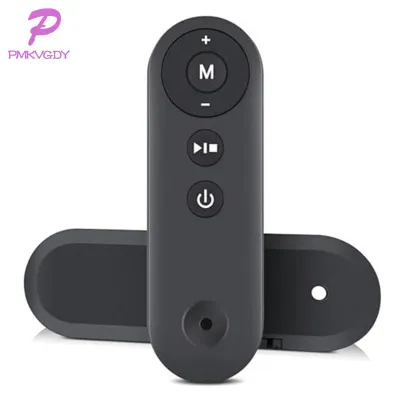
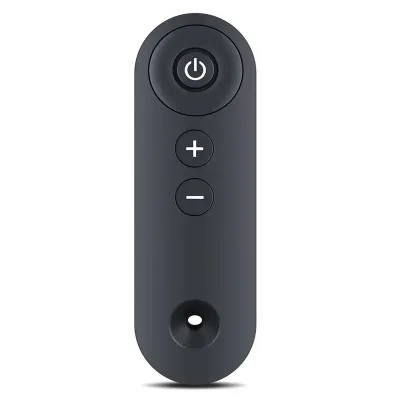
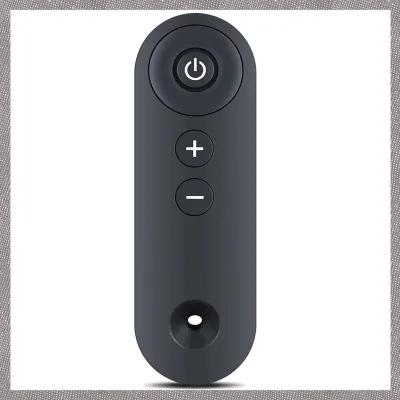
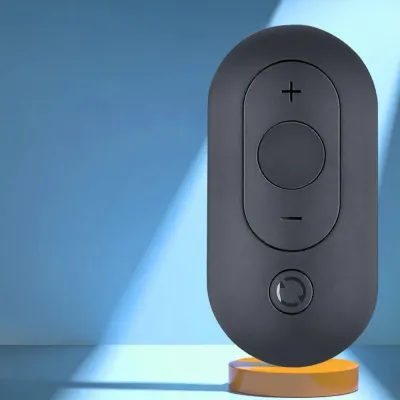
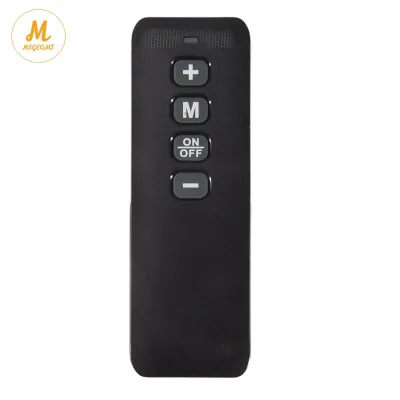
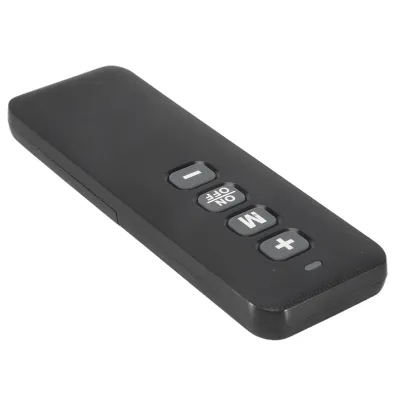
Prices are valid at publication and may change. Please refer to the product page for the latest price.
Begin by checking the batteries. Slide open the battery compartment on the back of the remote, remove the existing batteries, and inspect the metal terminals for any signs of white powdery corrosion or rust. Clean the contacts with a dry cloth or a cotton swab, then insert fresh batteries of the correct type, ensuring the positive and negative ends align perfectly with the polarity markings.
Next, address potential signal blockages. If your walking pad uses an infrared remote, it requires a clear line of sight to the receiver, which is typically located on the front display console. Wipe down the console screen and the transmitter bulb on the front of the remote to remove any accumulated dust, sweat, or smudges that could block the signal. Also, ensure there are no physical obstacles, such as a tablet or towel draped over the console, obstructing the path.
Finally, verify the walking pad’s main power status. Ensure the power cable is securely plugged into a functioning wall outlet and that the master power switch, usually located near the power cord entry point at the base of the machine, is turned on. If your walking pad model utilizes a magnetic safety key, confirm that the key is properly positioned on the console; many models will disable all remote communication and display an error code if the safety key is missing.
How to Verify Compatibility Before Purchasing a Replacement
If troubleshooting fails and you must purchase a replacement, verifying the exact specifications of your walking pad is crucial to avoid ordering an incompatible device. Not all walking pad remotes are interchangeable, even if they look identical from the outside.

Start by locating the original remote’s model number or part number. This information is often printed on a small sticker inside the battery compartment or on the back casing of the remote. If the original remote is completely lost, look at the manufacturer’s label on the walking pad itself—usually found near the power switch or on the underside of the frame—and note down the exact model designation, “P408A,” along with any version numbers.
Determine the signal transmission type used by your specific walking pad. Walking pads generally utilize either Infrared (IR) or Radio Frequency/Bluetooth (RF) technology to communicate. IR remotes require you to point the controller directly at the machine’s display, while RF and Bluetooth remotes can control the machine from any angle or even from your pocket. Check your user manual or contact the seller to confirm which technology your P408A model employs, as an IR remote will not pair with a Bluetooth-enabled receiver.
Pay close attention to the physical button layout and functions. A compatible remote must have buttons that correspond exactly to your walking pad’s features, such as power, speed increase, speed decrease, and mode selection. Some universal remotes may feature buttons for functions your machine does not support, which can cause programming conflicts or render certain buttons useless.
Where to Source Reliable P408A Remotes in the Philippines
Sourcing a replacement remote in the Philippines requires navigating local retail channels and online platforms effectively to ensure you receive a functional, high-quality product.
Your first step should be contacting the brand’s official customer service or the local distributor from whom you purchased the walking pad. Authorized fitness equipment distributors often maintain an inventory of spare parts, including remotes, safety keys, and running belt lubricants. Even if the remote is not listed on their public website, reaching out via email or customer support hotlines can often secure an original equipment manufacturer (OEM) replacement.
If official channels are unavailable, major online marketplaces and e-commerce platforms are excellent secondary options. Search using highly specific terms such as “P408A walking pad remote replacement” or “compatible remote for P408A treadmill.” To ensure faster shipping and easier returns, filter the search results to show local sellers within the Philippines. This reduces transit times and simplifies the process if you need to return the item due to compatibility issues.
When considering third-party or universal fitness remotes on online platforms, scrutinize the customer reviews and product descriptions. Look for reviews from buyers who explicitly mention using the remote with the P408A model. Pay attention to feedback regarding pairing ease, button responsiveness, and overall build quality. Avoid listings with vague descriptions or those that claim to be “universal” without listing specific compatible brands or models.
How to Pair and Test Your New Replacement Remote
Once your replacement remote arrives, you must pair it correctly with your walking pad before attempting your first workout. Proper pairing ensures a stable connection and prevents sudden signal drops while the belt is moving.
To begin the pairing process, position yourself safely. Always stand with your feet on the side rails of the walking pad, rather than on the running belt itself, to prevent accidental falls if the machine starts unexpectedly. Refer to your user manual or the instructions provided with the replacement remote for the exact pairing sequence. Typically, this involves turning on the walking pad’s main power switch and immediately pressing and holding a specific button combination on the remote—such as the “Start” and “Speed Down” buttons simultaneously—within three to five seconds of the machine powering up.
Once the console beeps or displays a confirmation light indicating a successful connection, test each function systematically. Press the start button to ensure the belt begins moving at its lowest default speed. Gradually increase the speed using the acceleration button, then decrease it, observing if the console responds instantly to each press. Finally, test the stop button to confirm that the machine slows down and halts smoothly.
If the remote fails to pair after several attempts, do not force the buttons or attempt to open the remote’s casing. Verify that the batteries are fully charged and correctly oriented. If the issue persists, contact the seller or manufacturer immediately to confirm if there is a specific firmware version mismatch or if the remote itself is defective.
How to Protect Your New Remote from Damage
Protecting your replacement remote from physical damage and environmental wear will extend its lifespan and ensure uninterrupted workouts.
Use a lanyard or wrist strap if your remote features an attachment loop. Wearing the strap around your wrist during your workout prevents the remote from slipping out of your hand if you sweat, protecting it from falling onto the moving belt or hard floor. If your walking pad has a built-in device holder or console tray, place the remote there when you need to free your hands.
Guard the remote against moisture and high humidity. The tropical climate in the Philippines, combined with heavy sweat during intense workouts, can easily cause moisture to seep into the remote’s casing, leading to corrosion of the internal circuit board. Wipe the remote with a dry microfiber cloth after every session, and store it in a cool, dry place away from direct sunlight.
Lastly, practice proper battery maintenance. If you plan to store your walking pad or take a break from your routine for more than a few weeks, remove the batteries from the remote. This simple step prevents battery leakage, which can release corrosive chemicals that permanently destroy the remote’s battery contacts and internal wiring.
Frequently Asked Questions (FAQ)
Can I use a standard universal remote for a walking pad?
No, standard universal remotes designed for home entertainment systems, such as TVs or DVD players, cannot be used to control a walking pad. These remotes operate on completely different infrared code libraries and wireless frequencies that are incompatible with fitness equipment receivers. You must purchase a remote specifically designed for walking pads or one that explicitly lists compatibility with the P408A model.
What if the new replacement remote fails to pair?
If your new remote fails to pair, first ensure that you are using fresh, high-quality batteries and that they are installed with the correct polarity. Double-check the pairing instructions, as many models require you to initiate the pairing sequence within a very tight window—usually within three to five seconds—after turning on the walking pad’s main power switch. If it still does not connect, contact the seller to verify compatibility or request a replacement, as you may have received a remote with a different frequency or firmware version.
Community discussion
Share your experience or ask a question. Comments are reviewed before publication.