
Losing or damaging your treadmill remote can abruptly halt your home fitness routine. In the warm, humid climate of the Philippines, sweat and moisture can easily seep into handheld controllers during intense workouts, leading to corrosion or sudden component failure. Finding a compatible replacement requires a systematic approach to ensure safety and prevent sudden speed jumps. You must identify your machine’s exact technical specifications, verify the wireless transmission protocol, and source the replacement from a reliable seller.
Identify Your Treadmill's Exact Model and Specifications
To begin your search, you must look past the prominent brand logo printed on the running belt or console. Treadmill manufacturers often produce dozens of models over several years, and a remote that works for one model year may not communicate with another. Locate the silver or white manufacturer’s sticker on the machine’s frame. This sticker is typically positioned near the power switch, at the very bottom of the frame near the front wheels, or on the underside of the motor hood.
In tropical environments, dust and humidity can cause these stickers to peel or fade over time. If the text is obscured, gently wipe the area with a dry microfiber cloth to reveal the details. This sticker contains critical details, including the exact model number, serial number, and electrical specifications. Write these down exactly as they appear, paying close attention to dashes, suffixes, or version numbers.
Products mentioned in this guide
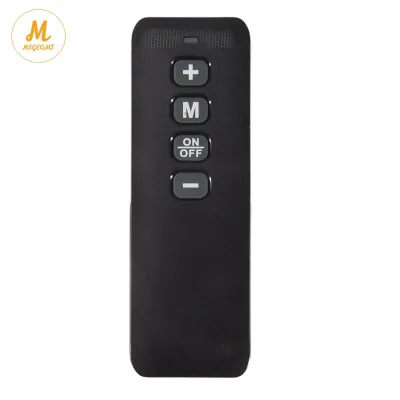
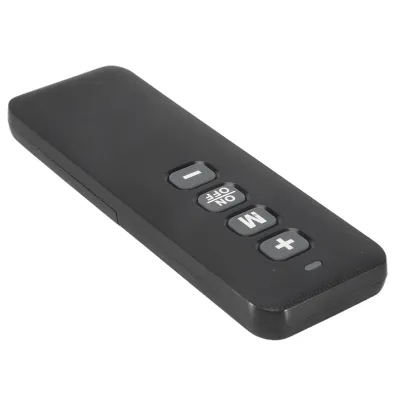
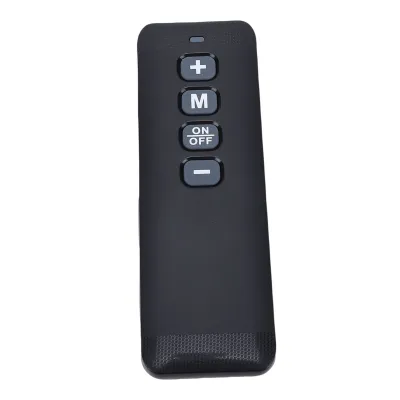
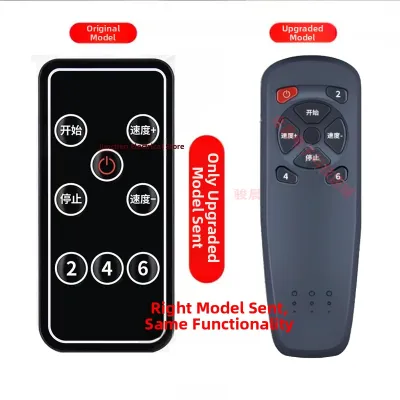
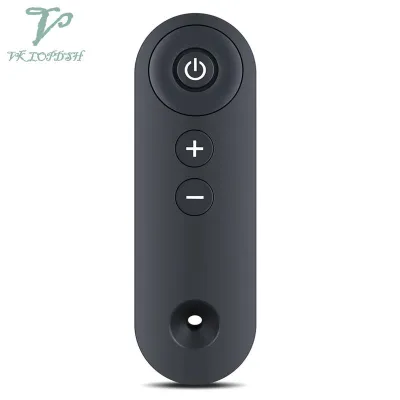
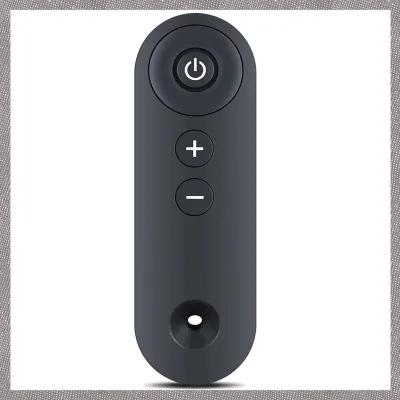
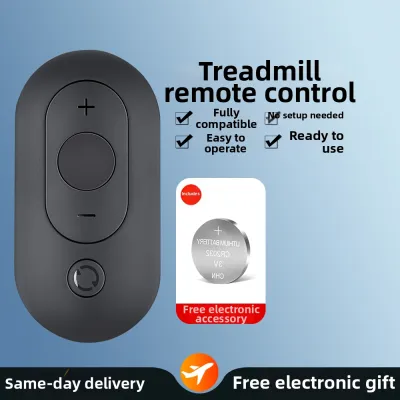
Prices are valid at publication and may change. Please refer to the product page for the latest price.
If the sticker has faded completely or is missing, consult your original user manual, warranty card, or the digital receipt from your local fitness store. Many local distributors keep digital records of purchases linked to your contact details, which can help you retrieve the exact SKU.
For those who purchased their treadmill second-hand—a common practice in the local fitness community—finding the model details can be slightly more challenging. If the previous owner did not provide the paperwork, you can take clear, high-resolution photos of the entire machine, the console layout, and any remaining labels. Uploading these images to online fitness forums or sending them to local repair specialists can often yield a quick identification from experienced community members who recognize the frame design.
It is also vital to distinguish between the treadmill brand and the console manufacturer. Some fitness brands outsource their electronic consoles and wireless receivers to specialized third-party electronics manufacturers. If your user manual lists a specific console model or FCC ID, note this down. This identifier can be a valuable search term when looking for a remote that matches the internal receiver rather than just the external plastic frame.
Where to Source Compatible Treadmill Remotes
The safest and most reliable method is to contact the original equipment manufacturer or their authorized distributor in the Philippines. Authorized service centers maintain direct access to genuine parts designed specifically for your machine’s circuitry. While OEM parts may carry a higher price tag in Pesos (₱), they guarantee that the safety features, such as the emergency stop signal, function exactly as intended.

If the manufacturer no longer stocks the remote or does not have a local distributor, you can search reputable online marketplaces and e-commerce platforms. When browsing these platforms, avoid generic listings that claim to be “universal” without listing specific compatible models. Filter your search to prioritize verified sellers, official brand stores, or merchants with high ratings and detailed customer feedback. Look for reviews from buyers who have successfully paired the remote with the exact same treadmill model you own.
Before purchasing from an online seller, use the platform’s chat feature to ask the seller directly about compatibility. Provide them with your treadmill’s model number and a photo of your old remote if possible. A reputable seller will verify compatibility against their inventory database before shipping the item, saving you the hassle of a return.
When ordering replacement parts from international sellers, keep in mind that shipping times to the Philippines can vary. Ensure that the seller packages the remote securely to protect it from moisture and physical damage during transit. It is also wise to check if the seller offers a return policy or a compatibility guarantee, allowing you to return the item if it fails to pair with your specific console upon arrival.
Another option is to consult specialized fitness equipment repair shops. Many local technicians in metropolitan areas refurbish broken machines and stock spare parts from decommissioned units. These professionals can often identify a compatible alternative or even repair your original remote if the damage is limited to corroded battery contacts or a worn-out button membrane.
How to Verify Compatibility Before Purchasing
Before finalizing any purchase, you must perform a thorough compatibility check to avoid buying an unusable device. If you still have the broken remote, open the battery compartment. Manufacturers often print the specific part number, SKU, or board model inside the casing or on a small sticker behind the batteries. Matching this exact part number is the most reliable way to guarantee compatibility.
Next, determine the signal transmission type used by your treadmill. Treadmill remotes generally operate on one of three technologies: Infrared, Radio Frequency, or Bluetooth. Infrared remotes require a direct, unobstructed line of sight to the receiver on the console. If your original remote worked from inside your pocket or when pointed away from the screen, it likely uses Radio Frequency or Bluetooth. Purchasing an Infrared remote for a Radio Frequency-based system will result in a complete lack of communication between the devices.
You can test your old remote’s transmission type if it still has partial power. Point the remote at your smartphone camera and press a button; if you see a flickering light through the camera screen, it uses Infrared. If no light is visible, it is likely an RF or Bluetooth model.
Additionally, check the battery requirements of the replacement remote. Some remotes use standard AAA batteries, while others require coin-cell batteries like the CR2032. In high-humidity regions, low-quality batteries can leak and ruin the contacts inside your new remote very quickly. Always opt for high-quality, leak-resistant batteries to protect your investment, and remove them if you plan to store the treadmill unused for an extended period.
You must also carefully compare the button layout and functions. A compatible remote must feature the exact control options required to operate your treadmill safely. If your treadmill features motorized incline adjustments, the replacement remote must have dedicated incline buttons. Most importantly, verify the presence of a functioning stop or pause button. Operating a treadmill without an immediate, reliable way to halt the belt poses a severe safety hazard, especially during high-intensity training.
Alternatives When an Exact Match Is Unavailable
If your treadmill model is discontinued and an exact OEM replacement is nowhere to be found, you may need to explore alternative control methods. Some universal fitness remotes are marketed as compatible with multiple brands. However, you must exercise extreme caution with these products. Verify that the universal remote explicitly lists your treadmill’s brand and series in its compatibility matrix. A generic remote that sends incorrect signal pulses could cause the treadmill belt to accelerate unexpectedly, leading to injury.
Many modern, Bluetooth-enabled treadmills offer compatibility with official smartphone applications. Check your treadmill’s manual or the manufacturer’s website to see if they offer a dedicated companion app. These apps often feature a digital remote control interface that pairs directly with the console via Bluetooth, providing a reliable, free alternative to a physical remote.
Remember that a remote control is secondary to the physical safety key. Every treadmill should have a magnetic safety key clipped to your clothing during use. If your remote fails or if you lose control of the speed, pulling the safety key is the fastest and most reliable way to stop the belt instantly. Never operate your treadmill without this safety key in place, regardless of whether your remote control is working perfectly or not.
If no digital app is available and universal remotes fail to pair, do not attempt to modify the console wiring or bypass the receiver yourself. Attempting to wire a non-compatible receiver into the treadmill’s control board can permanently damage the electronics, void your warranty, and create a fire hazard.
In this scenario, stop trying to use a remote control altogether. Most treadmills that come with remotes also feature physical buttons on the console itself. While using the console buttons may be less convenient than a handheld remote, it remains the safest way to operate your equipment without risking sudden, uncontrolled speed changes.
Frequently Asked Questions (FAQ)
Can I use a standard TV or AC universal remote for my treadmill?
No, you cannot use a standard television or air conditioner universal remote to control a treadmill. Although these household remotes use infrared technology, they are programmed with entirely different frequency codes and command protocols designed for home entertainment and climate control systems. Treadmills require specific, proprietary signal codes to ensure that speed and safety commands are transmitted without interference. Attempting to program a standard home appliance remote for a treadmill will not work and, in rare cases of signal overlap, could send erratic commands that compromise your safety.
What should I do if my replacement remote connects but some buttons do not work?
If your new remote pairs with the treadmill but only some buttons respond, start by checking for any available firmware updates on your treadmill’s console. Some smart treadmills require the latest software version to recognize newer remote models or updated button configurations. Next, verify if the replacement remote you purchased is a simplified or generic version of the original. Some aftermarket remotes only support basic start, stop, and speed adjustments, omitting advanced features like preset programs or incline controls. If the issue persists, consult the remote’s manual to see if it requires a specific calibration sequence to map the buttons correctly to your console.

Community discussion
Share your experience or ask a question. Comments are reviewed before publication.