
A walkpad remote control is essential for managing your workout pace safely, especially when using an under-desk setup where the main console is out of reach. When this small device stops responding, it can disrupt your entire fitness routine. Fortunately, most remote failures stem from simple, reversible issues like depleted batteries, signal blockages, or temporary pairing desynchronization rather than permanent hardware damage.
Before considering a replacement, a systematic diagnostic approach can help you identify the root cause of the malfunction. In tropical environments, factors like high humidity and sweat exposure can also play a significant role in electronic wear. By following a structured troubleshooting process, you can safely determine whether your remote requires a quick adjustment, a manual re-pairing sequence, or a complete replacement.
Initial Checks: Quick Fixes for an Unresponsive Remote
Before attempting complex resets, start with basic power and signal checks. The most common culprit behind an unresponsive remote is a drained or improperly seated battery. Open the battery compartment on the back of the remote and inspect the battery type. Most walkpad remotes use standard button cells, such as a CR2032, or AAA batteries. Verify that the positive and negative terminals align correctly with the markings inside the compartment.
Products mentioned in this guide
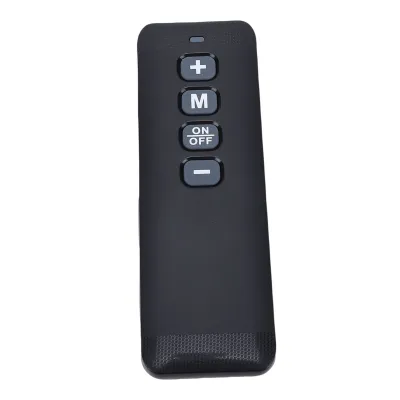
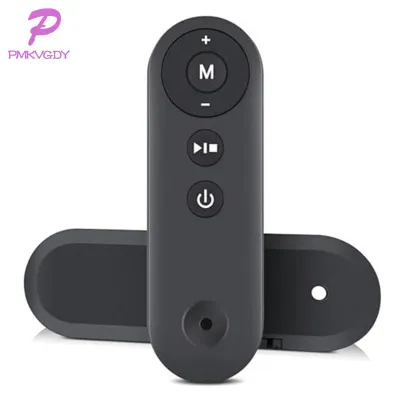
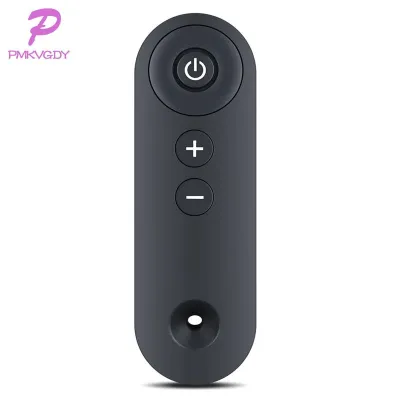
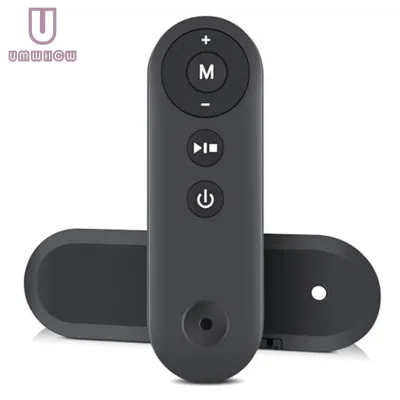
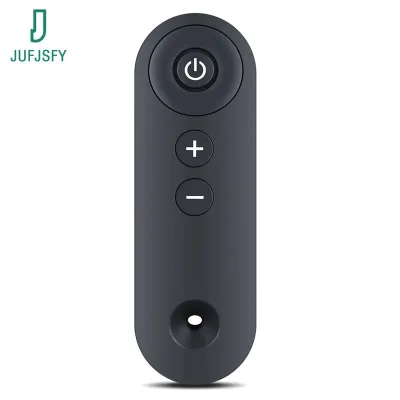
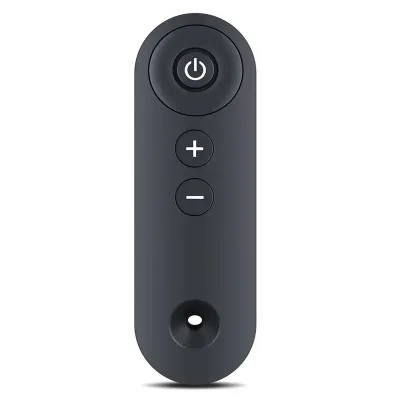
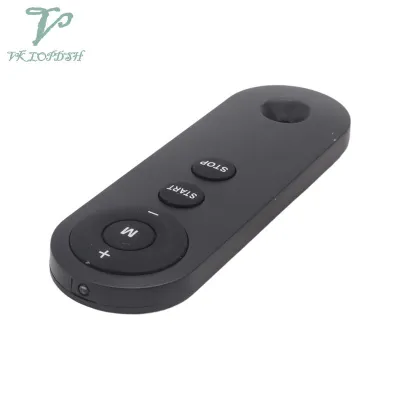
Prices are valid at publication and may change. Please refer to the product page for the latest price.
While the battery compartment is open, inspect the metal contact tabs for any signs of corrosion. In humid climates, moisture can cause a white, powdery residue or rust to form on the terminals, blocking the flow of electricity. If you spot any buildup, remove the battery and gently clean the contacts using a dry cotton swab or a clean pencil eraser. Insert a fresh, high-quality battery to rule out low voltage as the primary issue.
Next, examine the physical path between the remote and the walking pad console. Infrared remotes require a clear line-of-sight to transmit commands. Ensure that the plastic receiver window on the front base of the walking pad is clean and free of dust, pet hair, or physical obstructions like gym mats, towels, or power cords. Additionally, check if highly reflective surfaces or bright, direct sunlight are shining directly on the console, as intense light can interfere with signal reception.
If the remote still fails to respond, perform a hard power cycle on the main walking pad unit. Unplug the power cord directly from the wall outlet or surge protector. Leave the machine unplugged for at least 60 seconds to allow the internal capacitors on the control board to discharge completely. Plug the unit back into a verified working outlet and attempt to use the remote again. This simple step often clears temporary electronic glitches in the receiver.
Troubleshooting Guide: Match Symptoms to Solutions
Identifying the specific behavior of your remote control can quickly point you toward the correct solution. Use the following symptom-based guide to narrow down the issue.

Symptom: Remote indicator light is completely off
If the LED indicator light on the remote does not illuminate when you press any button, the issue is almost certainly related to power delivery. First, replace the battery with a brand-new one from an unopened package. If the light remains off, remove the battery and inspect the metal contact tabs inside the compartment. Sometimes, these tabs can bend inward over time, losing contact with the battery surface. You can use a small, non-conductive tool to gently bend the tabs back into position so they press firmly against the battery.
Symptom: Light blinks but the treadmill does not respond
When the remote’s indicator light flashes but the walking pad does not react, the remote is successfully generating power, but the signal is not reaching or being recognized by the receiver. This symptom typically points to a lost wireless connection or signal interference. Ensure you are standing within the recommended operating distance—usually within two meters of the console—and that no large metal objects or other wireless devices operating on similar frequencies are positioned between you and the walking pad.
Symptom: Intermittent response or delayed actions
If the walking pad only responds occasionally or experiences a delay after you press a button, the battery voltage is likely degrading. A weak battery may still have enough power to light up the small LED indicator but lack the strength to transmit a robust wireless signal. Replace the battery immediately to prevent sudden signal drops during a workout, which can prevent you from stopping the machine safely.
Symptom: Physical button sticking or visible casing damage
Sweat, dust, or spilled sports drinks can seep into the crevices around the buttons, causing them to stick or fail to register presses. If the buttons feel mushy or remain depressed, wipe the exterior of the remote with a slightly damp microfiber cloth. Never spray liquids directly onto the remote or submerge it in water, as moisture can easily bypass the casing seals and short-circuit the internal board. If the plastic casing is cracked or has suffered a hard impact, the internal circuit traces may be permanently damaged.
How to Re-pair or Sync Your Walkpad Remote
When basic power and clearance checks fail but the remote’s indicator light still functions, the wireless connection between the remote and the walking pad may need to be re-established. Walking pads utilize different wireless protocols, such as Bluetooth, Radio Frequency (RF), or Infrared (IR). While IR remotes do not require pairing, Bluetooth and RF models must be digitally synced to the specific receiver inside your machine.
To identify the correct pairing sequence, consult your user manual or check the manufacturer’s label on the back of the remote. Because pairing steps vary by model, you must follow the specific instructions provided for your equipment. A common pairing procedure involves turning off the main power switch on the base of the walking pad, waiting a few seconds, and then turning it back on. Within the first five to ten seconds of powering up the machine, you typically press and hold a specific button combination on the remote—such as the “Start/Stop” and “Mode” buttons simultaneously—until the console emits a long beep or displays a sync confirmation.
Always execute these pairing steps while standing safely off the walking pad belt. If the pairing sequence fails after three attempts, stop the process. Repeatedly forcing pairing commands can sometimes lock the receiver module or indicate a deeper hardware fault in the main control board. If the sync fails to hold, consult the manufacturer’s official support channels rather than attempting to dismantle the internal electronics yourself.
When to Replace the Remote or Contact Support
Some remote control issues cannot be resolved through DIY troubleshooting. If you observe signs of irreversible hardware failure, such as liquid corrosion inside the battery compartment, a cracked internal circuit board, or a remote that remains completely dead after trying multiple new batteries, a replacement is necessary. Operating a walking pad with a damaged or unreliable remote is a safety hazard, as you may lose the ability to stop the machine quickly in an emergency.
Before purchasing a new remote, check your product warranty status. Many home gym equipment brands offer a warranty period that covers accessories, including remote controls. Contact the brand’s official customer support or authorized service centers in the Philippines to inquire about a warranty replacement. They can verify your purchase details and provide an authentic replacement part.
If you need to purchase a replacement out of pocket, ensure you source an original equipment manufacturer (OEM) remote that matches your exact model number. Avoid generic, unauthorized universal remotes sold on online marketplaces. These generic devices often use different wireless protocols or button configurations that may not map correctly to your walking pad’s safety features, potentially causing sudden speed changes or rendering the emergency stop function useless.
Preventive Care for Your Home Gym Equipment
Taking proactive steps to care for your remote control can prevent future signal drops and extend the lifespan of your home gym equipment. In a tropical climate, protecting your electronics from environmental factors is especially important.
- Designate a secure storage spot: Avoid leaving the remote on the walking pad belt or on the floor where it can be stepped on or kicked. Use a magnetic holder, a wall-mounted cradle, or attach a lanyard to hang the remote from a nearby hook or the machine's handrail.
- Protect against moisture and sweat: Sweat is highly corrosive to electronic components. Wipe your hands before handling the remote, and clean the exterior periodically with a dry microfiber cloth. Store the remote in a dry, well-ventilated area away from open windows or damp walls.
- Practice routine battery management: If you plan to store your walking pad or leave it unused for more than a few weeks, always remove the batteries from the remote. This simple habit prevents battery acid leaks, which can permanently ruin the internal contacts and circuit board.
Frequently Asked Questions (FAQ)
Can I use my smartphone as a walkpad remote control?
Many modern walking pads feature companion mobile applications that connect to the machine via Bluetooth, allowing you to control speed and track workouts directly from your phone. Check your user manual or search the official app store for your brand’s dedicated application to see if your model supports this feature. While a smartphone app is a convenient backup, keep in mind that navigating a touchscreen with sweaty hands during a workout can be challenging, making a physical remote the more practical option for quick adjustments.
Will a universal remote work with my walking pad?
Standard universal remotes designed for televisions or home entertainment systems will not work with a walking pad. Fitness equipment relies on proprietary wireless protocols and specific button mapping to ensure safe operation. To guarantee compatibility and maintain essential safety features, always purchase an original replacement remote directly from the manufacturer or an authorized distributor.

Community discussion
Share your experience or ask a question. Comments are reviewed before publication.